
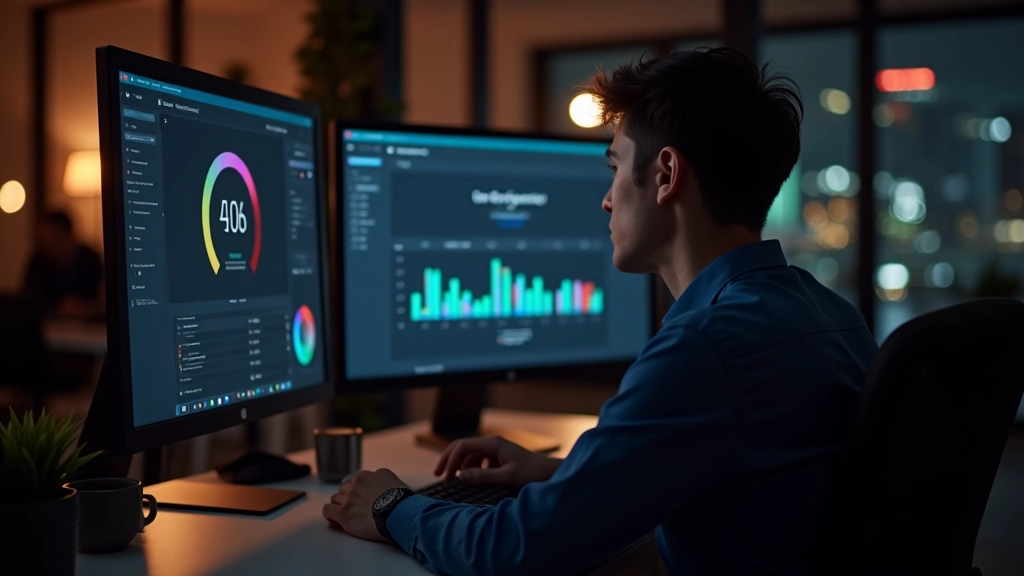
Building Color Palettes That Work in Low Light
Learn how to select accent colors and backgrounds that maintain readability without causing eye fatigue when users browse at night.
Read ArticleCreating elegant dark interfaces that reduce eye strain and work seamlessly across all devices
Dark mode isn’t just a design trend — it’s become essential for modern web projects in Singapore. We’re spending more time online during evening hours, and screens that aren’t properly designed cause real eye strain. This category covers everything you need to know about implementing dark mode effectively. We’ve got guides on color contrast that actually works in dim lighting, how to build toggle switches that don’t frustrate users, and practical testing strategies for the browsers and devices Singaporeans actually use. Whether you’re designing a fintech platform, a news site, or an e-commerce application, the principles here will help you create interfaces that feel comfortable to use at any time of day.
Learn how to select accent colors and backgrounds that maintain readability without causing eye fatigue when users browse at night.
Read Article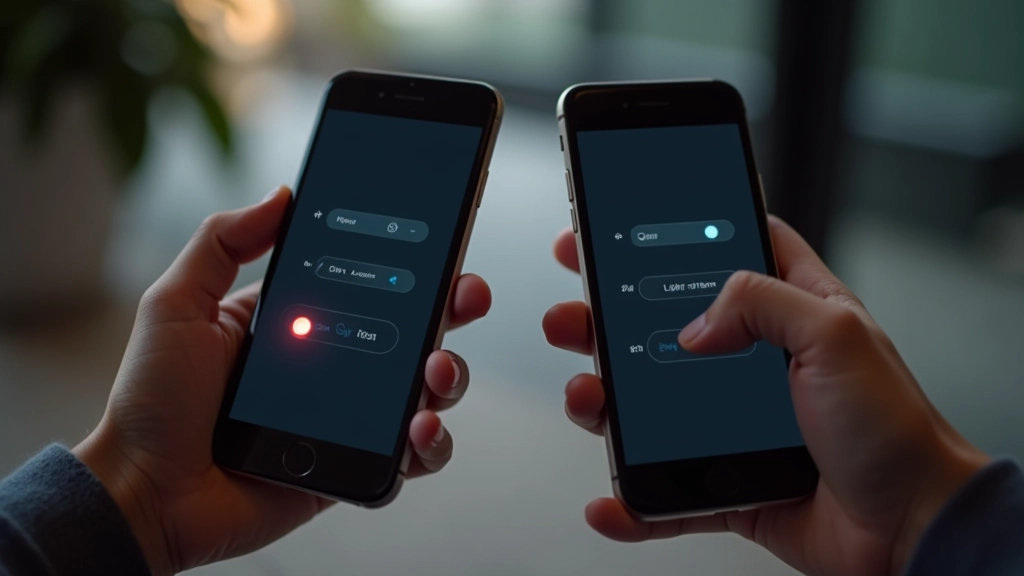
Step-by-step approach to building toggle switches that feel natural and preserve user preferences across sessions without breaking the experience.
Read Article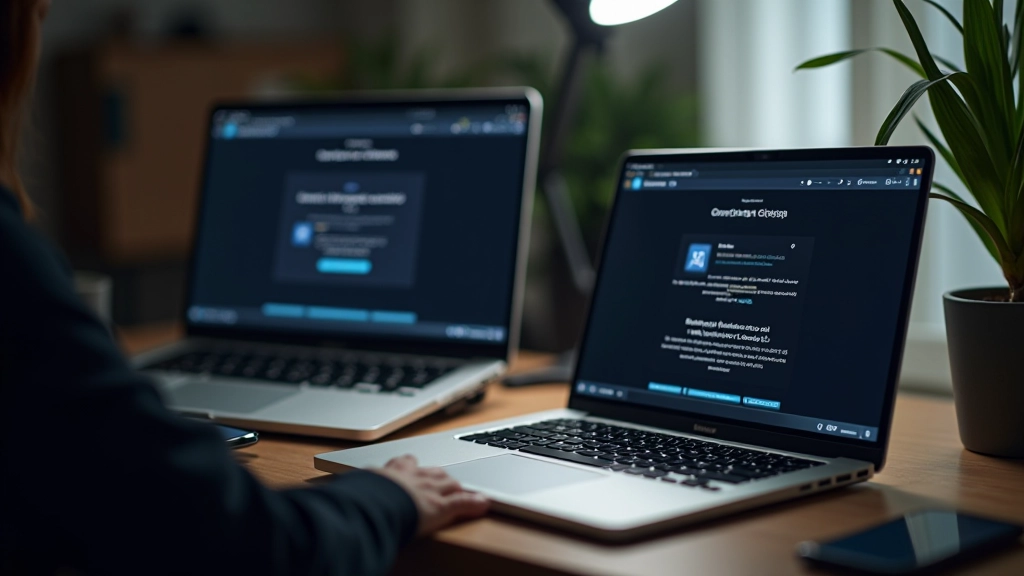
Practical testing methods to ensure your dark mode works correctly across Chrome, Safari, Firefox, and Edge on Singapore’s most common devices.
Read Article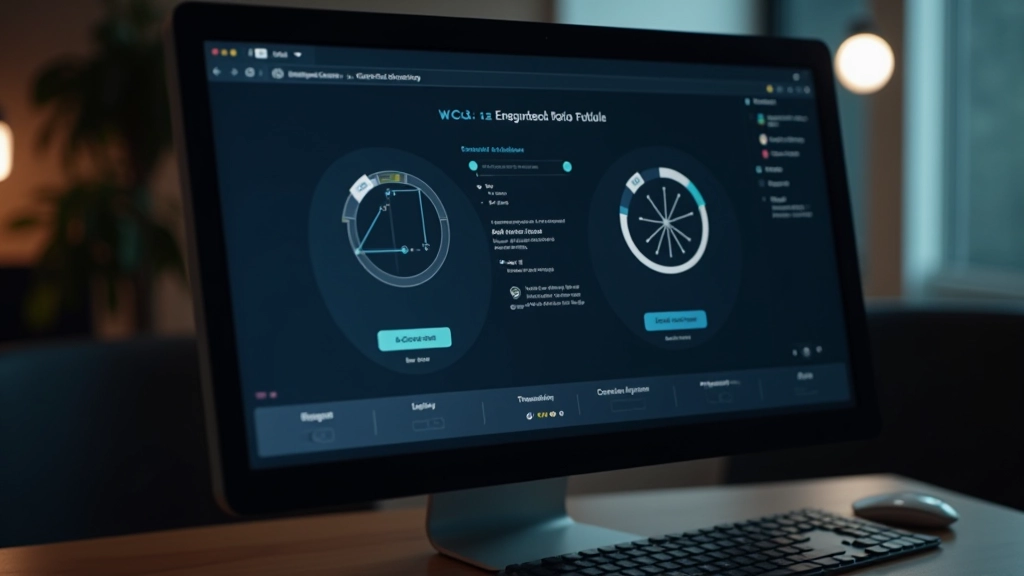
Everything you need to know about WCAG contrast requirements, why they matter more in dark mode, and tools to verify your colors meet standards.
Read ArticleStrategic selection of neutral backgrounds, readable text colors, and accent colors that pop without causing strain. We explore HSL-based approaches that make maintenance easier and more predictable across your entire interface.
Storing user preferences with localStorage or system settings, ensuring visitors don’t have to re-toggle their theme preference every time they return. We cover CSS custom properties as the foundation for dynamic theming.
Testing across Android and iOS devices with varying screen brightness, from OLED displays to standard LCD panels. Understanding how your colors render differently and adapting accordingly for the best experience.